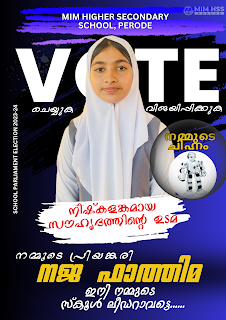
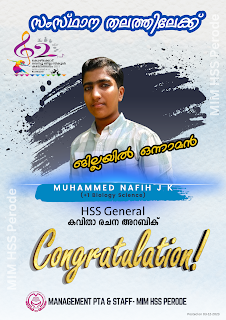
Generate Status Image
📌 Instructions:
- Upload the student photo
-
📌 Photo Guidelines:
- -Recent and clear photo
- -Good lighting and visible face
- -60% to 80% face Photo
- Photo to be clicked in school uniform.
- Enter the student’s First Name Only
- Enter the class/section details
- Click the “Generate Status Photo” button
- Please wait while the image is being created
📌 USE LAPTOP 💻. After the image is generated, right-click on the image to download it.
















.png)







.png)


.png)
.png)





















.png)









.png)